
All-in-one POS system for self-service

Self-service mode gives you full control over orders and payments at all times, without requiring additional staff.

Software, hardware and payments – all from a single provider.

KLARA POS Software

POS system with self-service mode

Self-service mode is essentially the Retail mode with a significantly simplified interface. All administration functions and options for leaving the POS app are disabled. Customers can therefore only select their own items and pay for them.
Flexible tab(Tab id: widget_1745343511559)
    To utilize this module, drag and drop the "Tab section setting" to the desired section you want to transform into a tab content. Then, add the tab ID. For step-by-step instructions, please refer to: https://zeroheight.com/75eebd230/p/77144b-tab/b/9773fa.
    , Tab enable
    (Tab id: widget_1745343511559; Tab name: Onboarding)
    Setup

    Onboarding

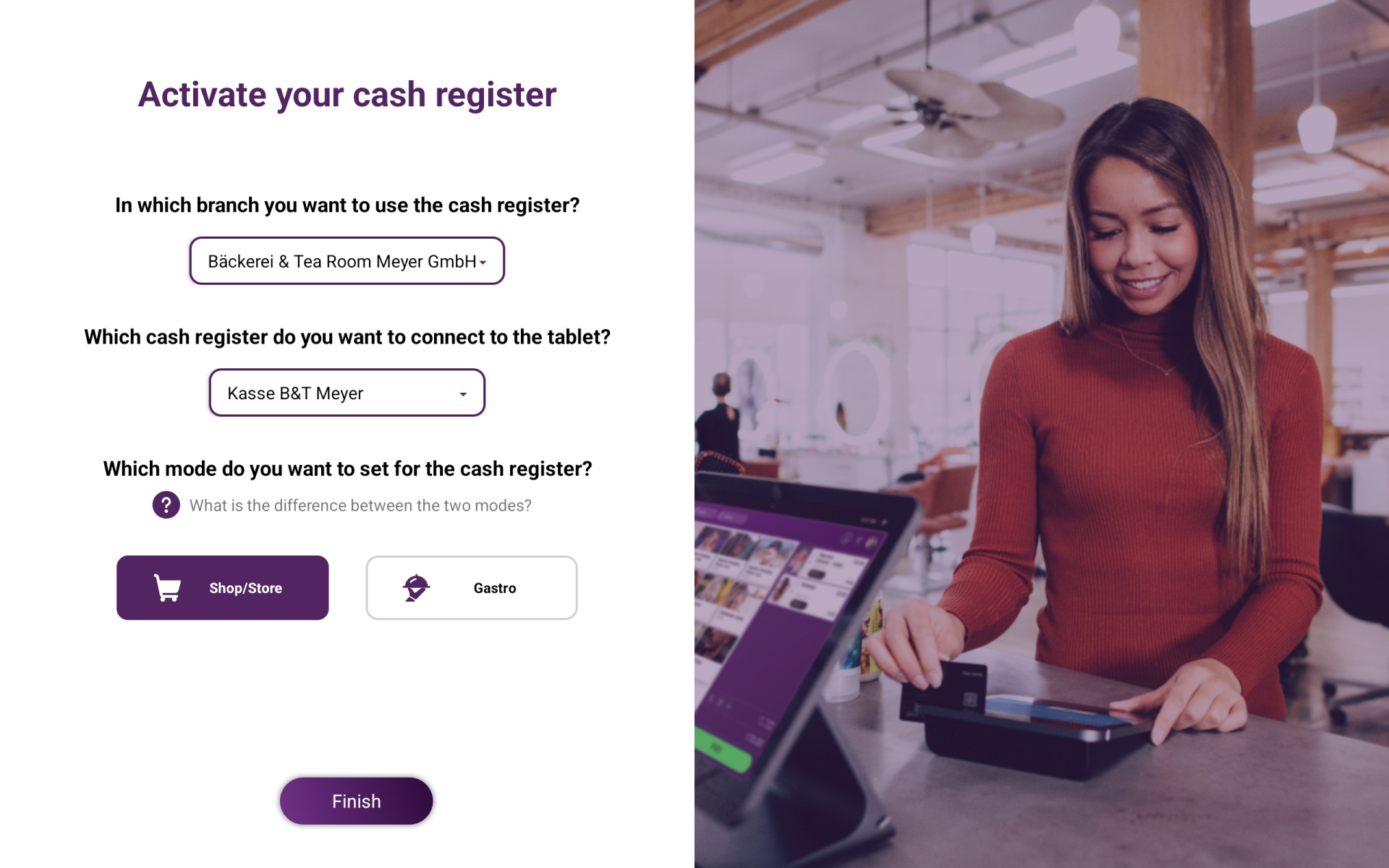
    Choose between Gastro and Retail mode, configure your POS system to meet your individual needs and switch flexibly between the two modes at any time.

    Self-service mode can only be activated in Retail mode.

    klara-pos-screen-retail-onboarding-en
    klara-pos-screen-retail-inventory-3
    , Tab enable
    (Tab id: widget_1745343511559; Tab name: Items & Prices)
    Setup

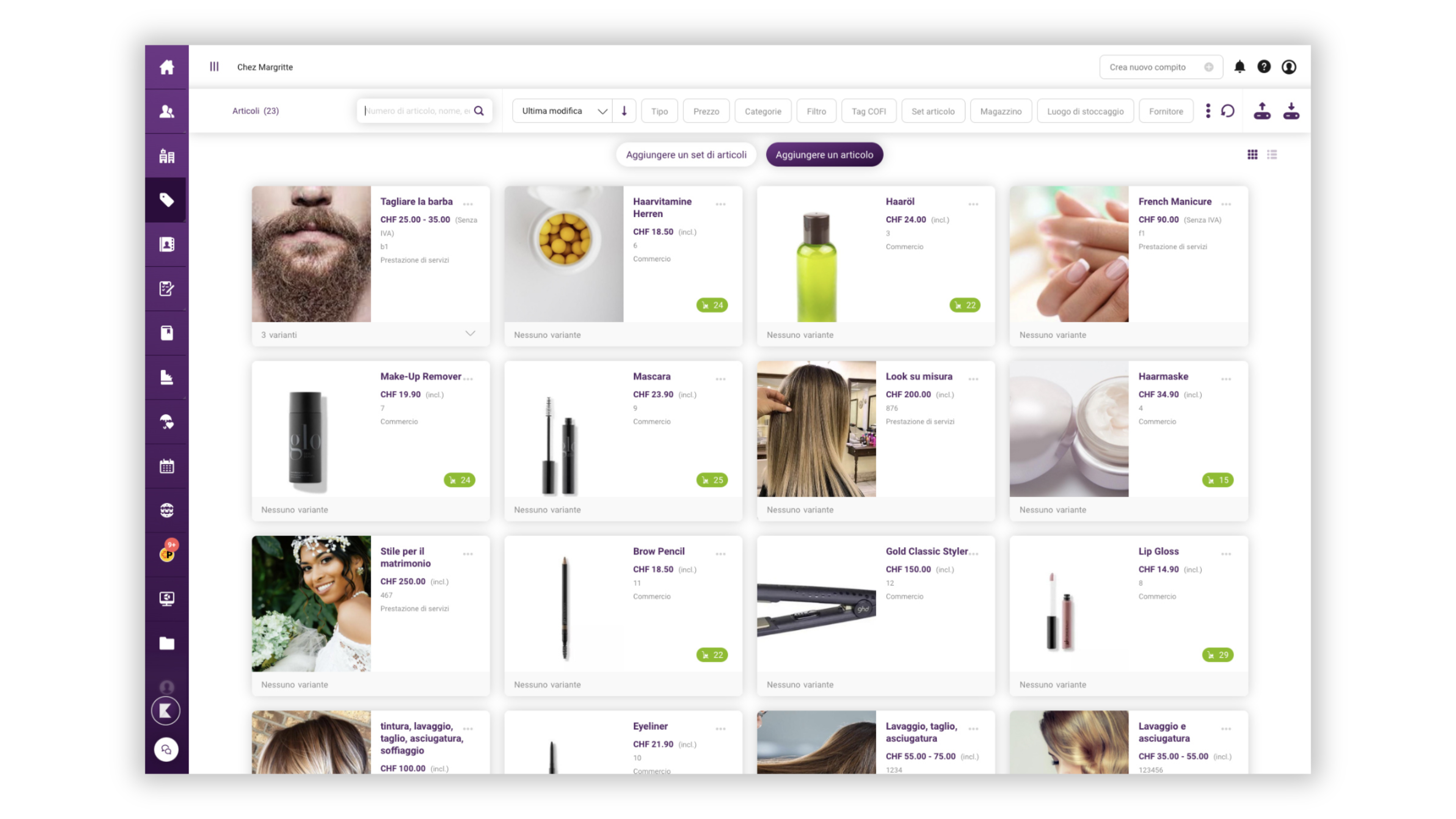
    Items, categories & prices

    Manage items and services efficiently, organise them clearly into categories and add the corresponding images, descriptions and prices.

    , Tab enable
    (Tab id: widget_1745343511559; Tab name: Product Variants)
    Setup

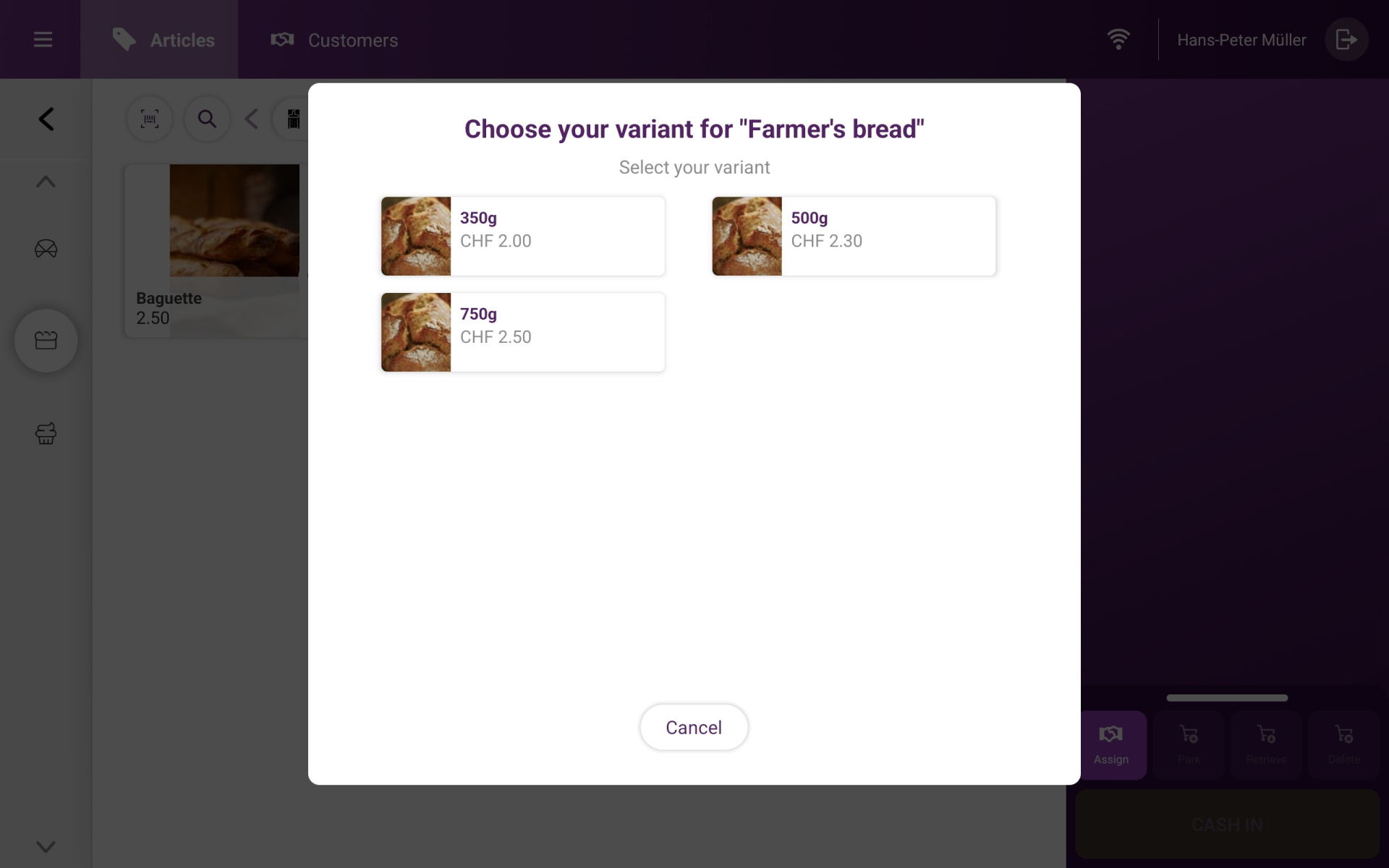
    Item variants

    Define variants for specific items, such as size, colour or price. 

    klara-pos-screen-retail-variants-en
    klara-pos-screen-retail-connect-printer-en
    , Tab enable
    (Tab id: widget_1745343511559; Tab name: Connect Printers & POS)
    Setup

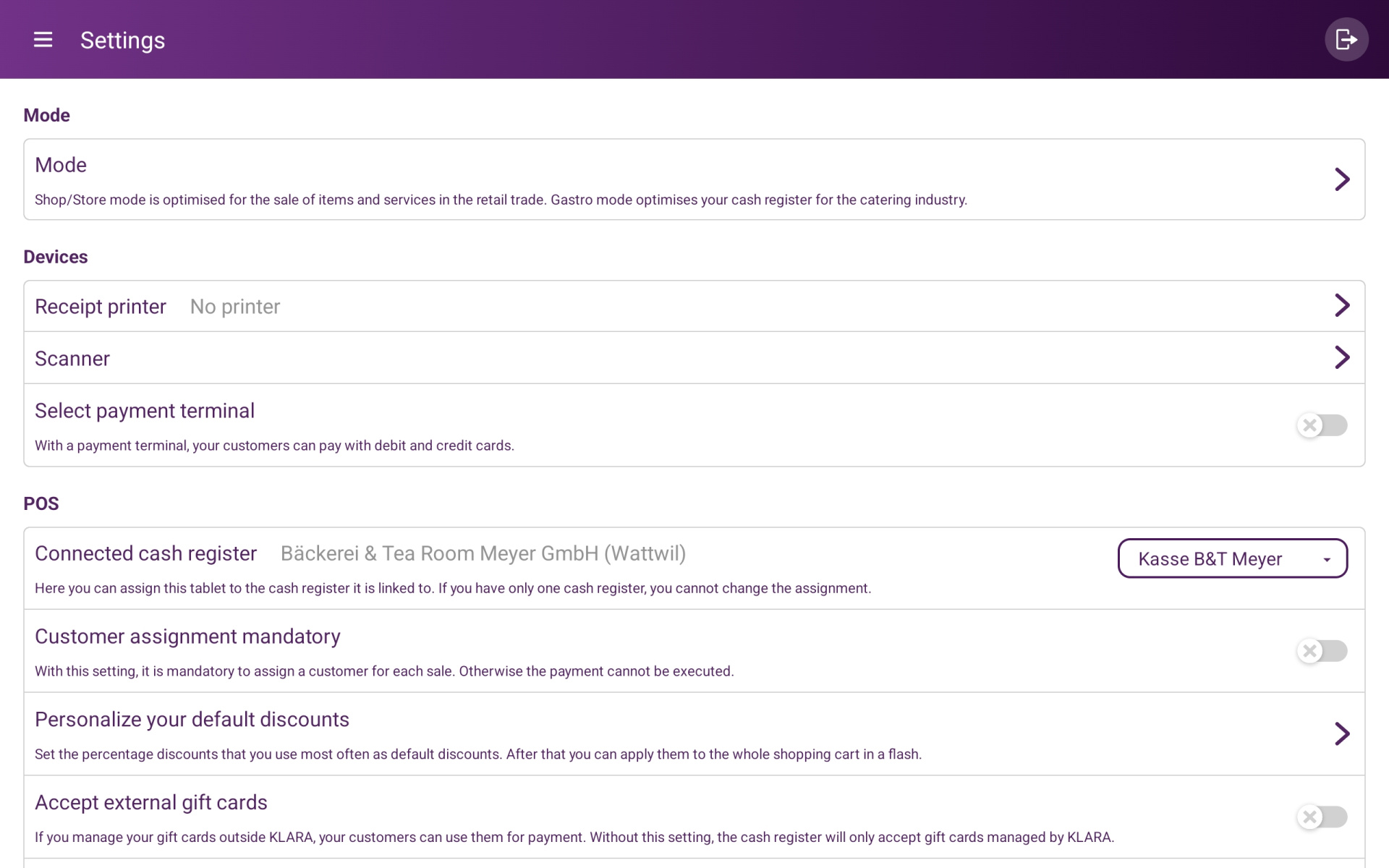
    Connect printer and payment terminal

    Connect external devices such as a receipt printer or payment terminal to your POS system.

    This allows customers to place and pay for their orders independently at the POS system. Depending on the item, preparation slips can then be printed automatically, for example in the kitchen for food or at the bar for drinks.

    , Tab enable
    (Tab id: widget_1745343511559; Tab name: Self-service)
    Self-Service Mode

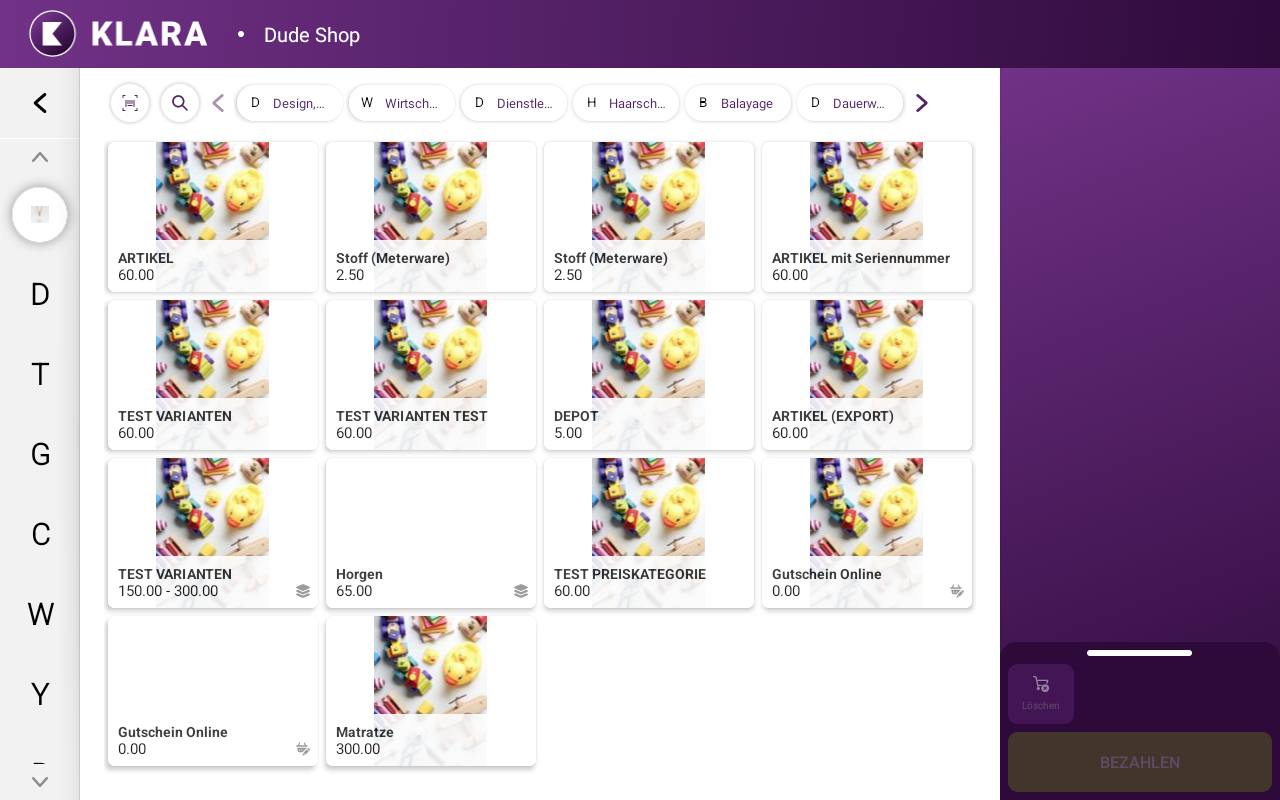
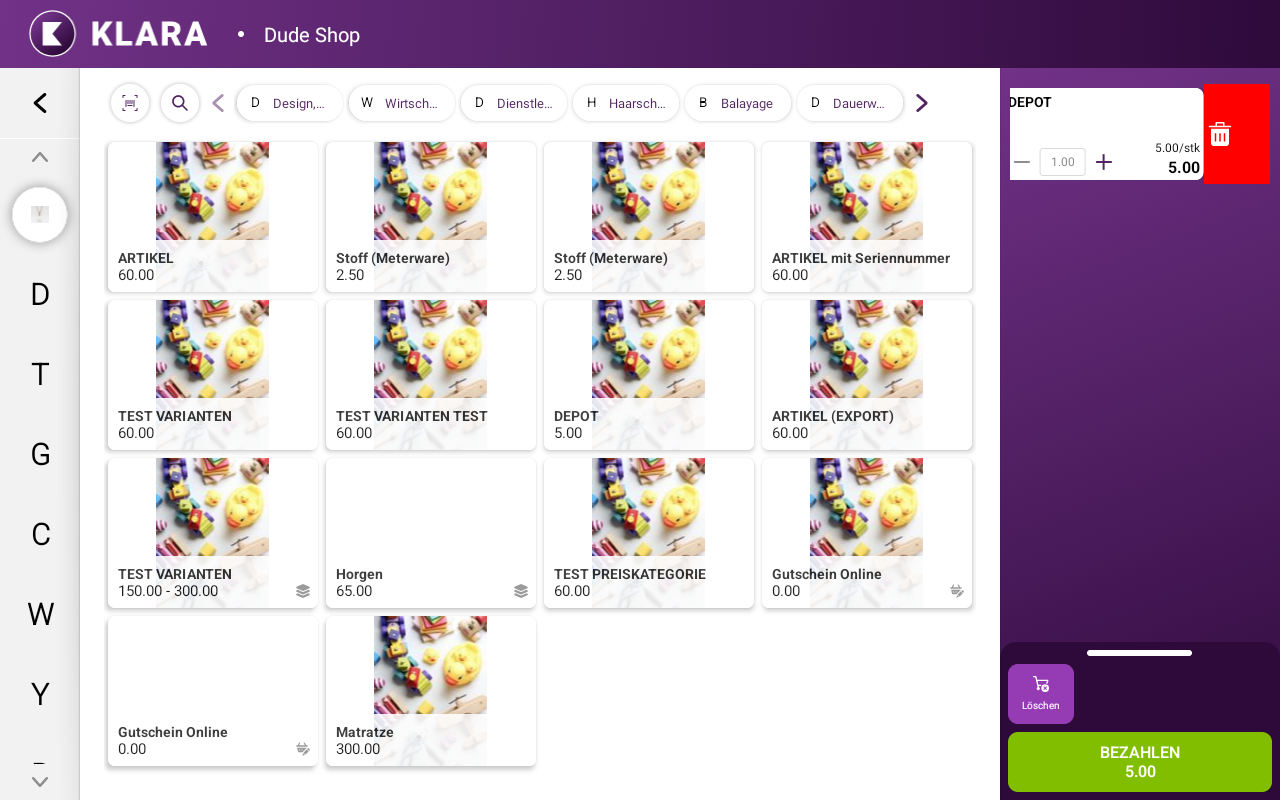
    Customer selects items

    Customers can select items themselves.

    Refunds, changes to settings, access to sales and the option to close the POS app are disabled.

    DE Self-Checkout Mode: Selecting Items
    DE SelfCheckoutMode Edit Cart
    , Tab enable
    (Tab id: widget_1745343511559; Tab name: Edit Shopping Cart)
    Self-Service Mode

    Edit shopping cart

    Customers can edit their shopping cart at any time and add or remove items.

    All price reduction options are disabled to prevent customers from applying unlimited discounts themselves.

    , Tab enable
    (Tab id: widget_1745343511559; Tab name: Payment)
    Self-Service Mode

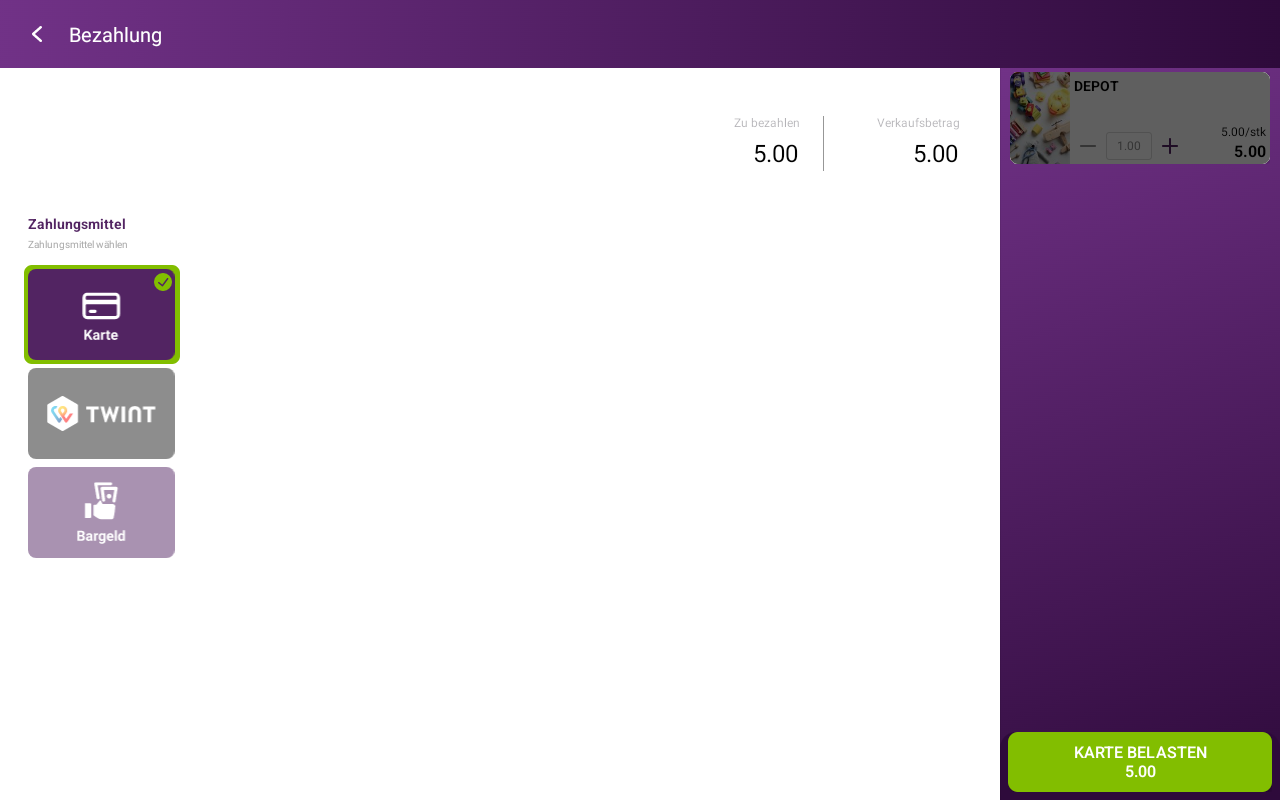
    Payment

    You decide how your customers can pay. Each payment method can be configured individually. For example, you can disable cash payments so that customers can only pay digitally.

    DE Self-Checkout Mode Payment
    DE Self-Checkout Mode: Pay, Print Receipt
    , Tab enable
    (Tab id: widget_1745343511559; Tab name: Print Receipt)
    Self-Service Mode

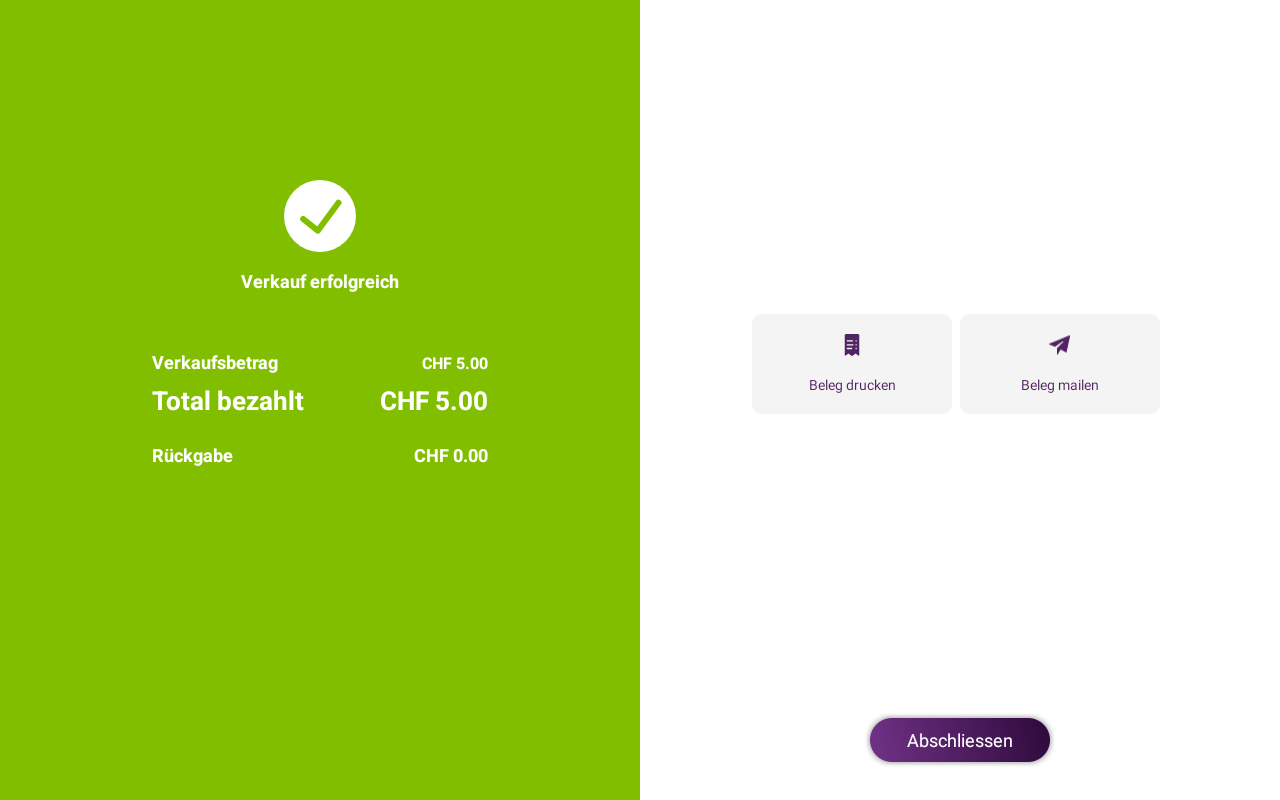
    Print receipt

    Once payment has been completed, customers can print their receipt or have it sent to them by email.

    You can also configure receipts to be printed or sent automatically, for example when customers need the receipt to collect their order.

    Industry Applications

    Perfect for any situation

    Discover our POS solutions for every situation

    Neue Kassen Seite_ NEU Gastro (ab August)-1

    Take-Aways

    Self-service mode allows you to deploy your staff specifically for order preparation and customer service. Orders and payments are processed automatically at the self-service POS system. 


    360_F_2075262436_dXx9oufbhHJW9sS91Zwzj3THHSDatdDG

    Farm Stores

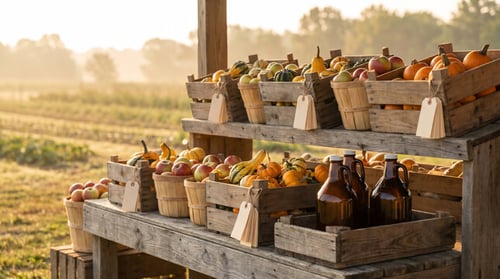
    Do you run a farm shop and want to provide your customers with a straightforward shopping experience?

    In self-service mode, customers can scan products independently and pay for them directly on site. This reduces the amount of assistance required while providing a modern and flexible shopping experience.


    Neue Kassen Seite_ NEU Gastro (ab August) (3)-1

    Food Service

    Do you run a food-service business and need a self-service POS system, for example for taking orders?

    With the KLARA POS system, customers can place an order directly at the POS system, pay and optionally print their receipt.


    Industry Applications

    Perfect for any situation

    Discover our point-of-sale solutions—perfect for every situation

    Take-Aways

    With self-service mode, you can assign your staff specifically to food preparation and customer service—ordering and payment are fully automated at the self-service checkout

    Neue Kassen Seite_ NEU Gastro (ab August)-1

    Farm Stores

    Do you run a farm store and want to make shopping easy for your customers?

    In self-service mode, customers can scan products on their own and pay right there in the store. This reduces the need for staff assistance while offering a modern, flexible shopping experience.

    360_F_2075262436_dXx9oufbhHJW9sS91Zwzj3THHSDatdDG

    Food Service

    Do you run a restaurant and are looking for a self-service register, perhaps for taking orders?
    With the KLARA POS system, your customers can place an order, pay, and—if they choose—print a receipt right at the register.

    Neue Kassen Seite_ NEU Gastro (ab August) (3)-1

    Your Benefits at a Glance

    KLARA POS Hardware

    Mobile and stationary POS systems

    Also suitable for multiple locations or multiple POS systems at each location. 
    Image-POS-Retail-1138x854-2

    All-in-one countertop POS system

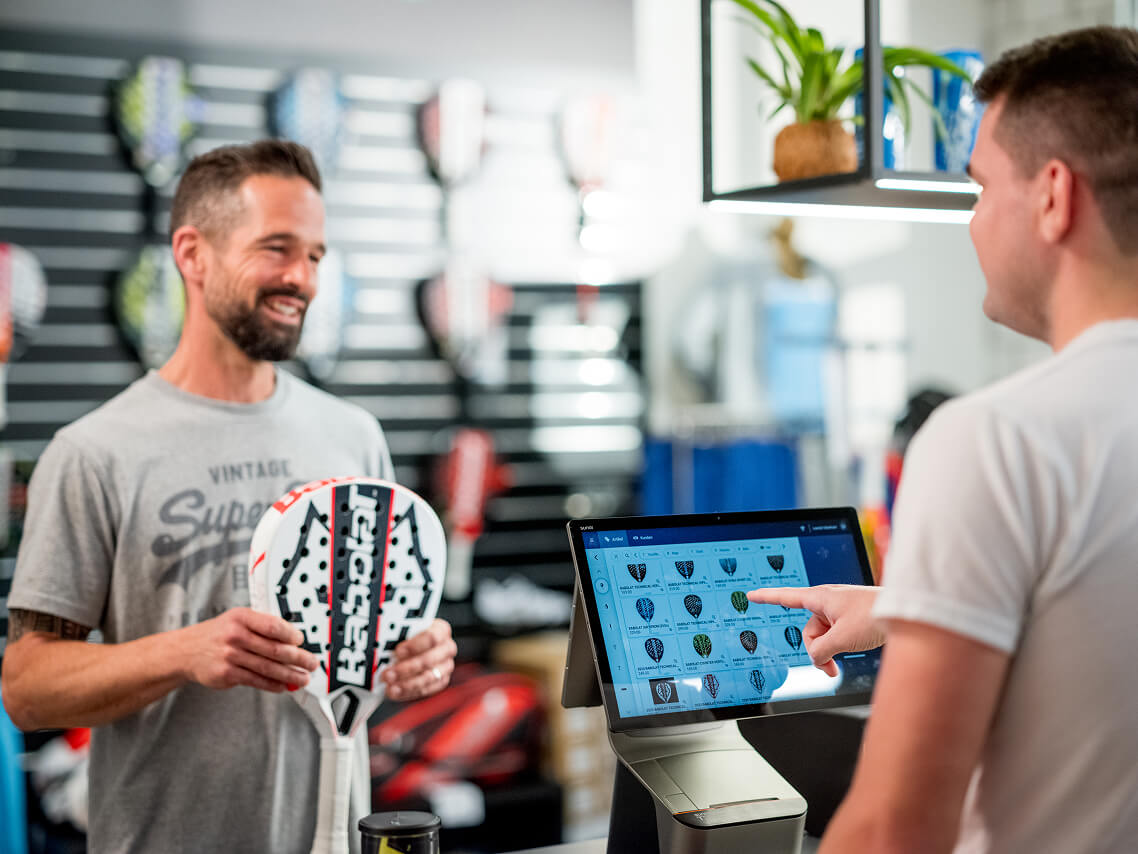
    The KLARA POS Duo, featuring integrated payment functionality, software and an additional customer display, is ideal for any countertop setup.

    Image-POS-Gastro-1138x854-10

    Mobile all-in-one POS system

    The KLARA POS Flex, featuring integrated payment functionality, software and a mobile tablet, is ideal for both countertop and mobile use. 
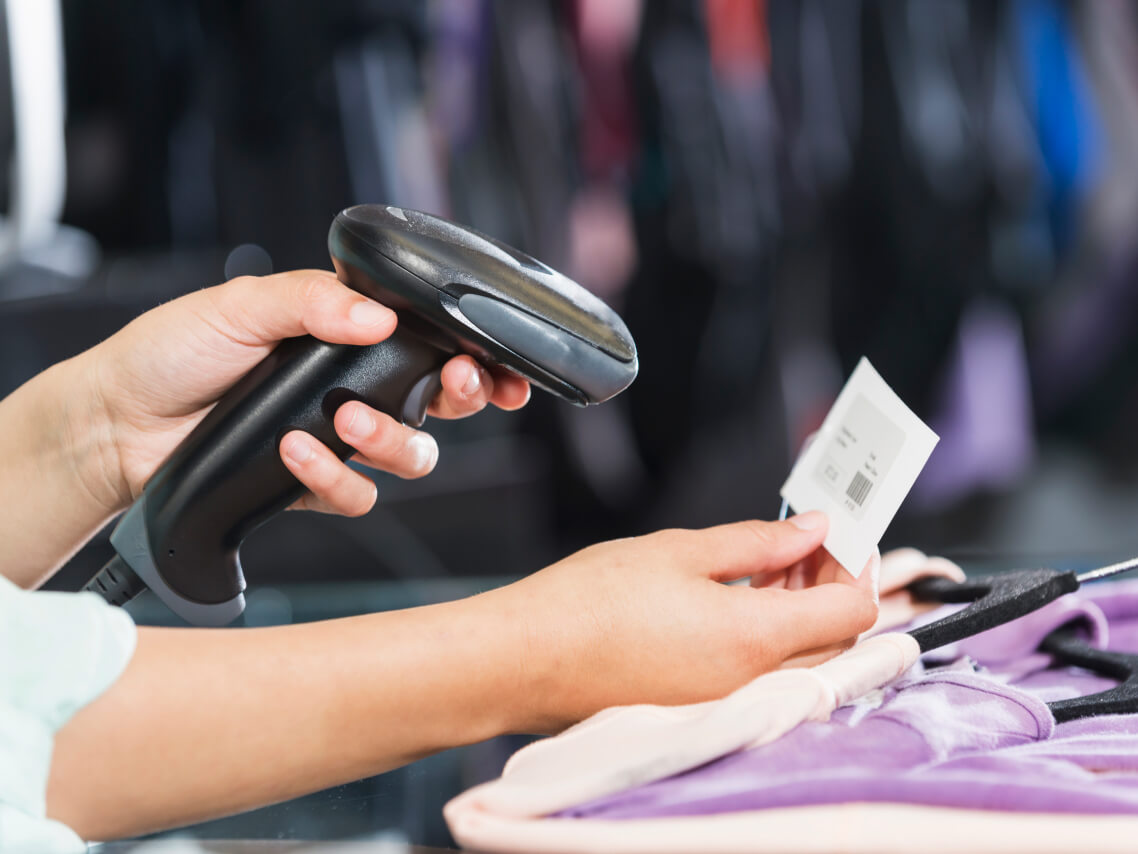
    Image-POS-Retail-1138x854-6

    Barcode Scanner

    The compact wireless Bluetooth barcode scanner is the perfect addition to your KLARA POS system. 
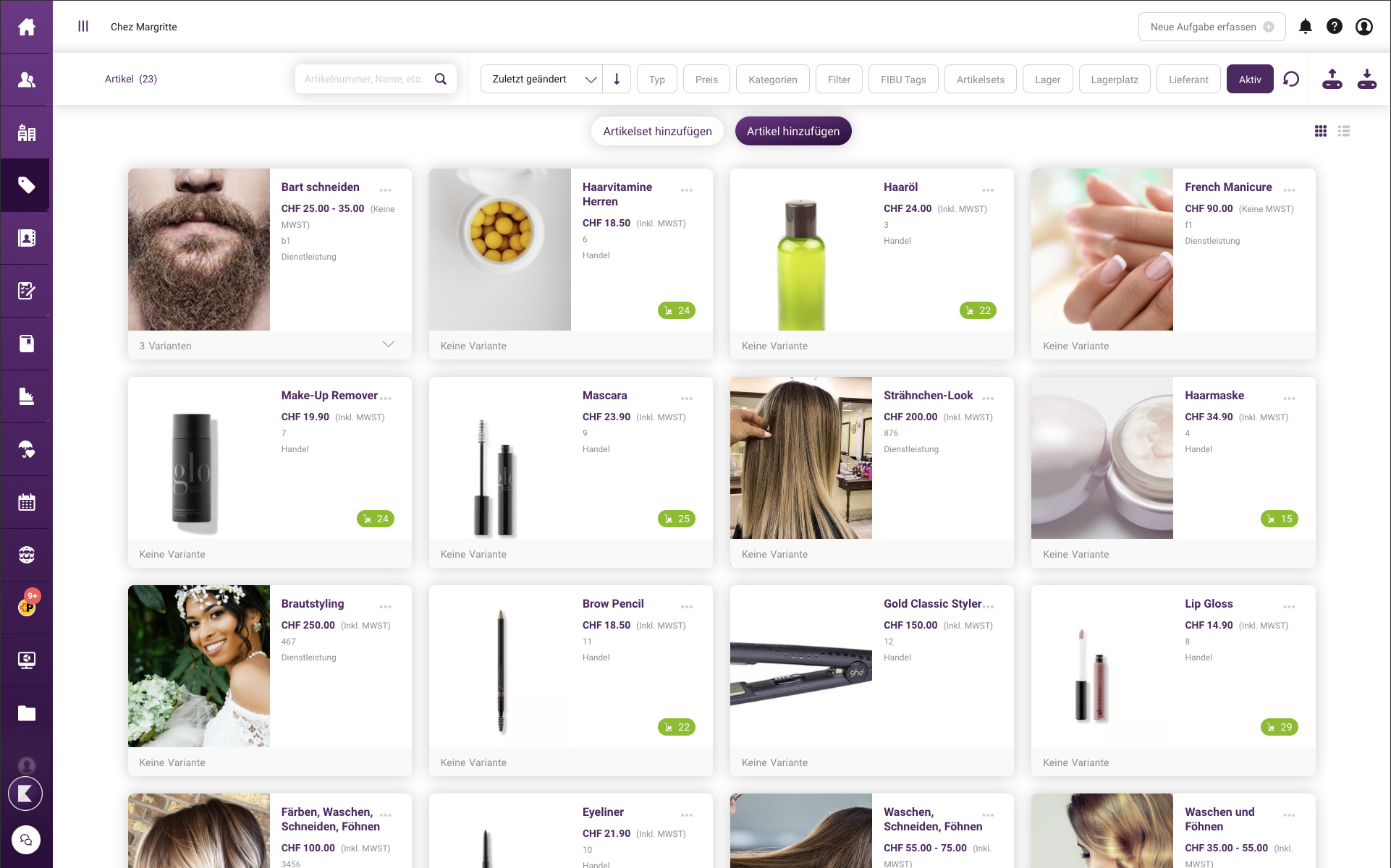
    Inventory

    Your POS system synchronises with Inventory, giving you a clear overview of your stock levels at all times. 

    Inventory is available as a separate add-on module. 

    Inventory

    Your point-of-sale system syncs with your inventory—stay on top of your stock levels at all times. Inventory is available as a separate add-on module.

    Accounting

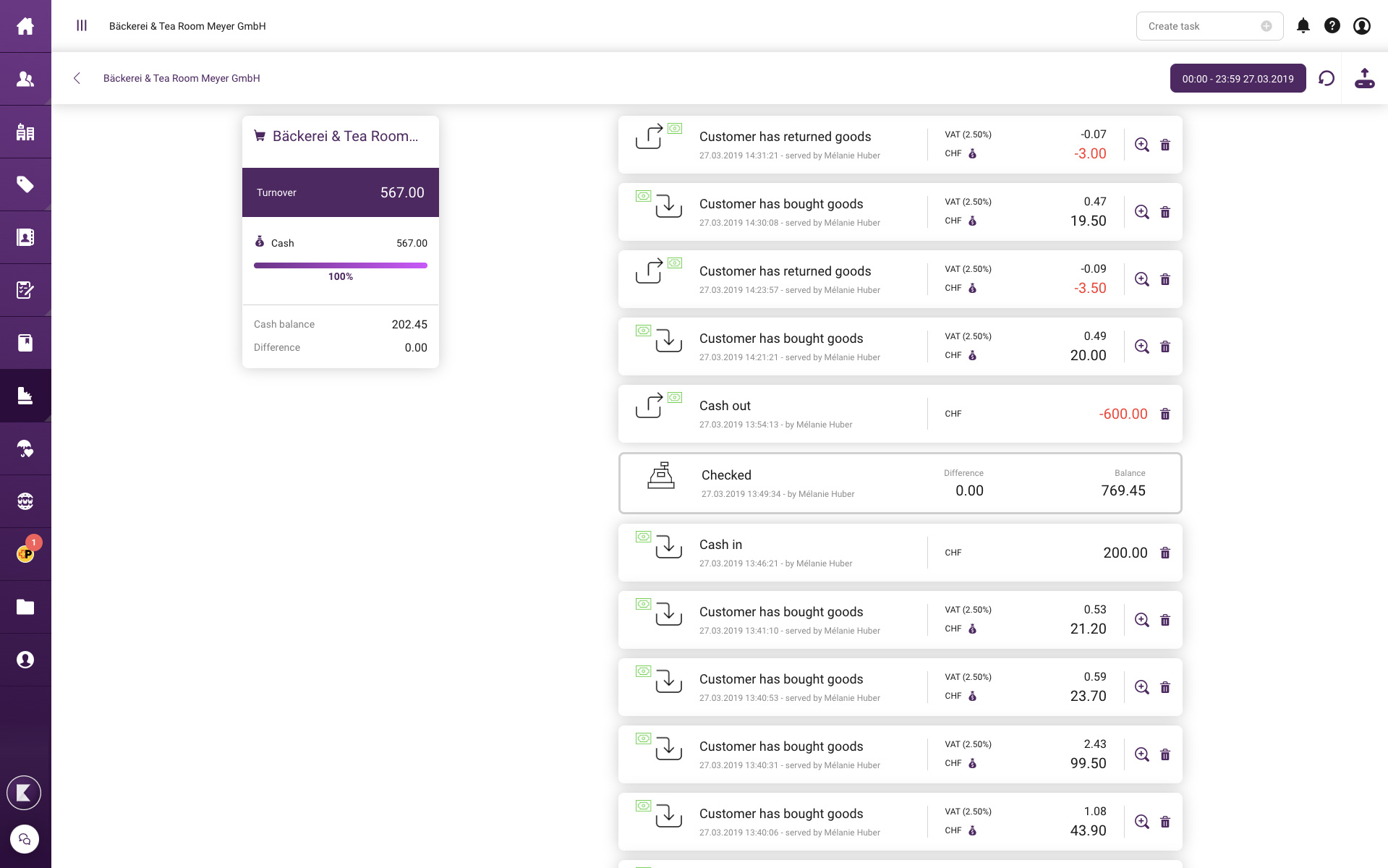
    Synchronise your POS system with customer management and accounting. Daily closings are generated automatically and posted correctly.

    Accounting is available with a Business package as a separate add-on module.


    Selling with KLARA is that simple

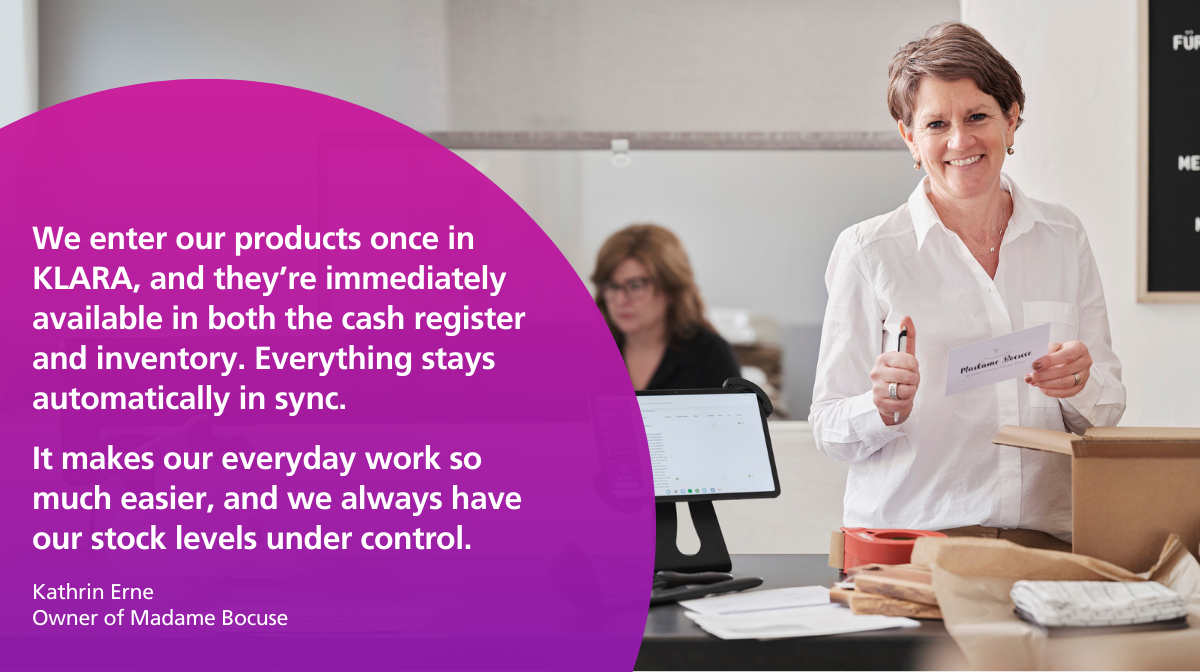
    Kathrin Erne from Madame Bocuse explains how she uses the KLARA POS system to make her daily sales operations more efficient.

    Madame Bocuse Testomonial
    Free and without obligation

    Discover how easy taking payments can be

    Book your free live demo now. We will show you how KLARA POS solutions can make your business simpler and more successful. 
    klara-web-icon-manage

    Administer

    You can take care of your administrative tasks with a single click—say goodbye to paperwork.

    klara-web-icon-be-well-known

    To be known

    You'll impress people with your online presence and attract new customers.

    klara-web-icon-sell

    Sell

    From quotes to invoicing, everything under control—boost your revenue.

    klara-web-icon-customer-retention

    Build customer loyalty

    Systematically build loyalty among your customers and turn them into fans.

    We rely on strong partnerships

    {}